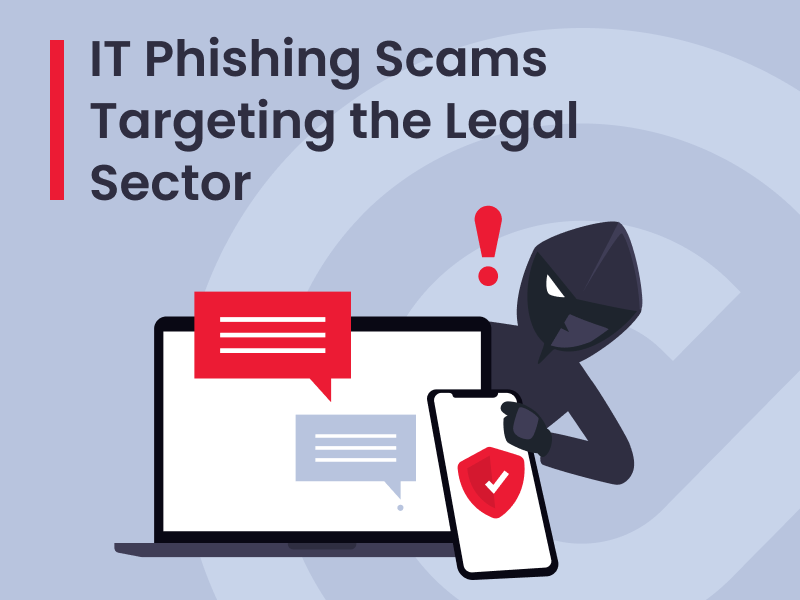
The Canadian Centre for Cybersecurity has issued an alert for help desk voice phishing campaigns targeting Canadian organizations, including those in legal services.
Fraudsters are targeting legal professionals with calls that appear to come from their organization’s technical support team. Calls may come through personal or office phone lines, or Microsoft Teams, and may appear to originate from a legitimate help desk number. Under the pretext of a time-sensitive security update, they direct recipients to a fake sign-in page that mimics the organization’s website. Any login information submitted on the page is collected by the attackers and may be used to compromise the organization’s systems and steal data for extortion.
Licensees who receive an unexpected call purporting to be from IT personnel should:
- exercise extreme caution, especially if the call references password changes, MFA or passkeys;
- avoid reacting quickly and entering credentials into sign-in webpages;
- hang up and contact their IT department at a trusted phone number to verify; and
- report if they have been compromised to their IT department.
In their alert, the Cyber Centre recommends the following protective actions for organizations:
- “Deploy phishing-resistant MFA, such as FIDO2 security keys, device-bound passkeys or platform authenticators, particularly for privileged and high-risk users.
- Enforce conditional access requiring managed devices and restrict sign-ins from commercial VPNs, hosting providers and residential proxies.
- Strengthen verification for MFA resets, account recovery and new device enrolments, and reduce session lifetimes.
- Monitor for suspicious MFA registrations, scripted or high-volume Microsoft 365 file access, security-email deletion and newly registered domains impersonating the organization.
- Instruct employees to independently verify unexpected IT calls requesting MFA, passkey or password changes, regardless of caller ID or urgency.
- Provide a clear channel for reporting suspicious calls and associated websites.
- If compromise is suspected, revoke active sessions and tokens, reset credentials, remove unauthorized MFA methods or devices, and review mailbox and file activity.
- Preserve relevant identity provider and Microsoft 365 audit logs for investigation.
- Restrict external communications in collaboration platforms (e.g., Microsoft Teams, Webex, Slack, among others), including direct messaging, calls and meeting invitations, to trusted or operationally required external users, and regularly review guest access and permissions.”
Recent weeks have seen increases in cyberattacks that appear convincing, are deployed massively and change quickly. Licensees should remain vigilant as these scams evolve. To report cybercrime or fraud, submit a report to the RCMP and Canadian Anti-Fraud Centre using the National Cybercrime and Fraud Reporting System.